
Back to Library/Master Claude Cowork
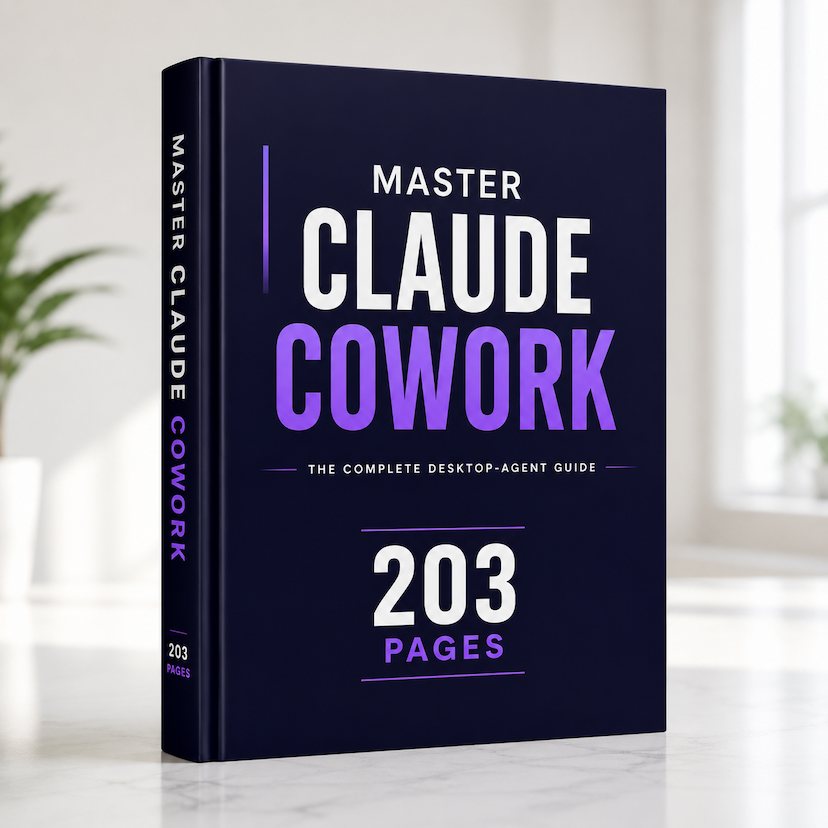
Master Claude Cowork
$29.99$20.99-30%
203 pages
One-time purchase, lifetime access
Secure payment via Stripe
AI & ProductivityLanguage: English

Master Claude Cowork

The complete 200+ page guide to putting Claude Cowork to work for you — from your very first task to fully automated workflows. No code required.

Stop prompting. Start delegating. Claude Cowork lets an AI agent do real work on your computer — reading your files, building documents and spreadsheets, researching, and running whole multi-step tasks while you do something else. This premium guide takes you from your very first task all the way to fully automated workflows. No coding. No jargon. Just a clear method that works. Whether you're brand new or already use AI every day, this is the only guide you'll need. Inside you'll find 200+ pages across 9 parts and 36 chapters, 100 ready-to-use task recipes, 20 worked examples that walk through real workflows start to finish, deep dives on skills, plugins, connectors, projects and scheduled tasks, a complete safety playbook, a 30-day path to mastery, and a prompt library plus quick-reference cheat sheet — all in a premium, easy-to-navigate PDF with a clickable table of contents. Up-to-date 2026 edition. Instant download. Works on any device.

What's inside

  • 200+ pages, from beginner to pro
  • 100 ready-to-use task recipes
  • 20 worked examples, start to finish
  • Navigable table of contents (clickable outline)
  • Deep dives: skills, plugins, connectors, projects & scheduled tasks
  • A complete safety playbook
  • A 30-day path to mastery
  • Prompt library & quick-reference cheat sheet
  • Instant PDF download — works on any device
  • Up-to-date 2026 edition
1Chapter 1 — What Claude Cowork Is (and Isn't)
2Chapter 2 — Chat vs. Cowork vs. Claude Code
3Chapter 3 — How Cowork Thinks: The Agent Loop
4Chapter 4 — The Cowork Interface: A Guided Tour
5Chapter 5 — Installing Claude Desktop & the Readiness Check
6Chapter 6 — Plans, Availability, Requirements & Usage
7Chapter 7 — Your First Task: From Prompt to Deliverable
8Chapter 8 — Connecting Folders & How File Access Works
9Chapter 9 — Organizing and Cleaning Up Your Files
10Chapter 10 — Creating Documents, Spreadsheets & Slides
11Chapter 11 — Editing Drafts in Place
12Chapter 12 — Extracting Data from Messy Inputs
13Chapter 13 — Research Synthesis That Holds Up
14Chapter 14 — Data Analysis & Visualization
15Chapter 15 — Synthesizing Your Own Knowledge
16Chapter 16 — The Anatomy of a Great Cowork Task
17Chapter 17 — Global & Folder Instructions
18Chapter 18 — Permission Modes: Ask vs. Act
19Chapter 19 — Reviewing Plans, Steering & Recovering
20Chapter 20 — Connectors & MCP: Plugging In Your Tools
21Chapter 21 — Skills: Reusable Expertise
22Chapter 22 — Plugins & Marketplaces
23Chapter 23 — Claude in Chrome & Computer Use
24Chapter 24 — Scheduled Tasks & Routines
25Chapter 25 — Projects: Persistent Workspaces
26Chapter 26 — Live Artifacts: Dashboards That Refresh
27Chapter 27 — Sub-agents & Parallel Work
28Chapter 28 — Dispatch: Assign Tasks From Anywhere
29Chapter 29 — How Cowork Protects You
30Chapter 30 — Prompt Injection & the Trust Boundary
31Chapter 31 — Safe Habits & Configuration
32Chapter 32 — Teams & Enterprise Controls
33Chapter 33 — Playbooks by Role
34Chapter 34 — Forty Ready-to-Use Task Recipes
35Chapter 35 — Your 30-Day Path to Mastery
36Chapter 36 — Troubleshooting & FAQ
#ai#claude cowork#ai automation#productivity#ai agent#no code#ai assistant#work smarter#guide#ebook